
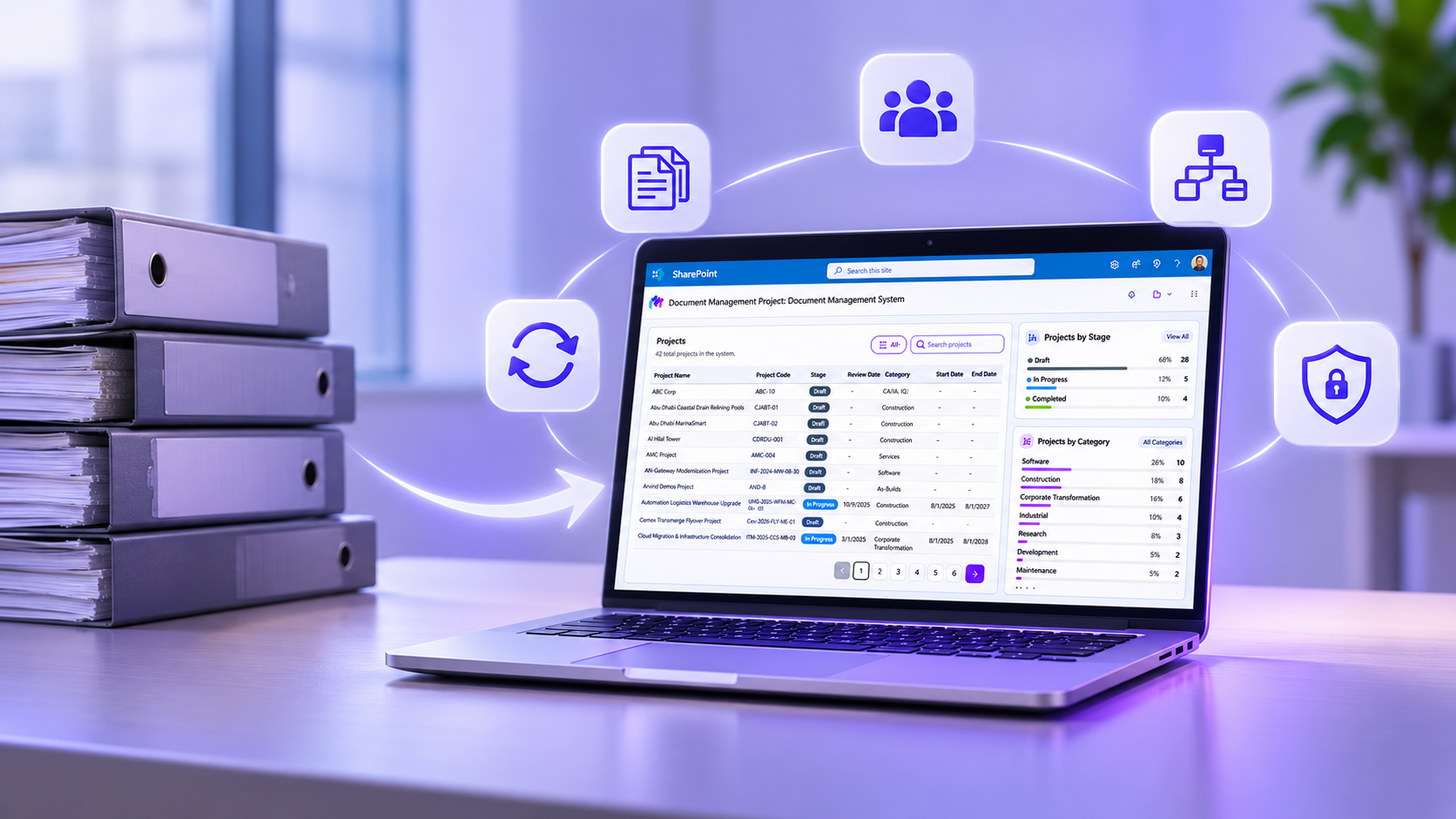
Quick answer: For organisations already using Microsoft 365, SharePoint is usually the smarter choice for document management. It offers version control, permissions, metadata and Power Automate workflows without adding another platform to manage. Complex project environments, such as engineering and construction, may need a purpose-built Project Document Management System (PDMS) like MPower365 for approvals, revision tracking and transmittals.
Last updated: 3 November 2026
Your organisation already uses Microsoft 365. So why manage project documents on another disconnected platform?
Project-driven organisations deal with thousands of documents, multiple stakeholders, complex approval processes and constantly changing revisions. Managing this information efficiently requires more than a shared folder or a basic document repository.
Finding the right file has a real cost. McKinsey research found that knowledge workers spend nearly 20% of their working week searching for and gathering information (McKinsey Global Institute).
Traditionally, businesses have relied on standalone Document Management Systems (DMS) to manage these requirements. But with Microsoft SharePoint offering powerful document management, collaboration and workflow automation capabilities, is investing in another platform always necessary?
For organisations already using Microsoft 365, SharePoint offers a compelling alternative.
It brings document storage, collaboration, access management and workflow automation together within an integrated environment.
And with the right project document management solution, SharePoint can go beyond general document storage to support structured project document control.
Let’s explore why SharePoint-based document management is a smarter choice for modern enterprises.
1. What Is SharePoint Document Management?
Microsoft SharePoint is a content management and collaboration platform within the Microsoft 365 ecosystem. It enables organisations to store, organise, access, share and manage documents through centralised document libraries and workspaces.
But SharePoint is more than just a place to store files.
It offers a range of capabilities that help organisations manage their documents throughout their lifecycle.
Key capabilities include:
- Centralised Document Storage: Store and organise business and project documents in structured document libraries.
- Version Control: Maintain document version history and track changes.
- Access Management: Control who can view, edit and share documents.
- Workflow Automation: Automate document approvals and notifications using Power Automate.
- Collaboration: Enable teams to work together using Microsoft Teams and Microsoft 365 applications.
- Metadata Management: Classify and organise documents for easier search and retrieval.
These capabilities make SharePoint a strong base for enterprise document management, particularly for organisations already invested in Microsoft 365.
2. Traditional DMS vs. SharePoint DMS: What’s the Difference?
Traditional standalone DMS platforms and SharePoint-based document management solutions share a common objective: helping organisations manage information efficiently.
However, the way they integrate into an organisation’s technology environment can be quite different.
Traditional DMS platforms often operate as separate systems, potentially requiring additional integrations, administration and user training.
SharePoint, on the other hand, is part of the broader Microsoft 365 ecosystem, allowing organisations to build document management processes around tools they may already use.
Here’s how they compare:
| Comparison Area | Traditional Standalone DMS | SharePoint-Based DMS |
|---|---|---|
| Technology ecosystem | May operate as a separate platform | Integrated into Microsoft 365 |
| Document storage | Separate document repository | Centralised SharePoint libraries |
| Collaboration | Depends on platform integrations | Works with Teams and Microsoft 365 |
| Workflow automation | Depends on built-in capabilities and integrations | SharePoint and Power Automate |
| User experience | May require learning another platform | Familiar to existing Microsoft 365 users |
| Document versioning | Depends on platform capabilities | Built-in version history |
| Access management | Platform-specific permissions | Microsoft 365 and SharePoint permissions |
| Extensibility | Depends on vendor architecture | Microsoft ecosystem and customisation options |
| Administration | May require separate platform administration | Can leverage existing Microsoft 365 administration |
| Best for | Organisations that need a specialised standalone system outside Microsoft 365 | Organisations already using Microsoft 365 that want document management in one connected environment |
Note: Actual capabilities, licensing costs, integration requirements and administration effort vary depending on the DMS platform, Microsoft 365 configuration and implementation.
The key takeaway: SharePoint provides an integrated document management foundation, helping organisations reduce technology fragmentation and build document processes within their existing Microsoft ecosystem.
3. Five Reasons SharePoint Is a Smarter Choice for Document Management
Why introduce another standalone platform when your organisation can extend its existing Microsoft 365 environment?
Here are five reasons why SharePoint-based document management makes sense for modern enterprises.
01. Seamless Integration with Microsoft 365
One of the biggest advantages of SharePoint is its integration with the Microsoft ecosystem.
Organisations can connect document management processes with familiar applications such as:
- Microsoft Teams for collaboration
- Outlook for communication
- Word and Excel for document creation and editing
- Power Automate for workflow automation
- Microsoft Entra ID for identity and access management
This creates a more connected working environment, reducing the need to switch between disconnected applications.
For project teams, this means documents, communication and collaboration can operate within a familiar technology ecosystem.
02. Reduced Technology Complexity
Managing multiple business applications can introduce unnecessary complexity.
A standalone DMS may require separate administration, integration configurations, user management and ongoing maintenance.
By extending SharePoint, organisations can leverage their existing Microsoft 365 environment for document management.
This can help:
- Reduce the number of separate platforms teams need to use
- Simplify user access management
- Leverage existing Microsoft 365 administration
- Reduce integration complexity
- Make better use of existing technology investments
Rather than introducing another disconnected system, organisations can build on an established platform.
03. Familiar User Experience and Better Collaboration
Technology adoption is often a challenge when introducing new enterprise platforms.
Employees may need additional training to understand new interfaces, workflows and document management processes.
SharePoint offers an advantage here.
Employees already familiar with Microsoft 365 applications can work within a more recognisable environment.
With SharePoint and Microsoft Teams, project stakeholders can access documents, collaborate on files and share information without constantly switching between different platforms.
This familiarity can help simplify onboarding and encourage user adoption.
04. Flexible Workflow Automation
Document management is not just about storing files. It is also about controlling how documents move between people and processes.
SharePoint can be integrated with Power Automate to create workflows for:
- Document submission
- Review and approval
- Automated notifications
- Approval reminders
- Document status updates
- Information sharing
For example, when an engineering drawing is submitted for approval, an automated workflow can notify the relevant reviewer, collect an approval decision and trigger the next stage of the process.
This helps reduce manual follow-ups and makes document processes more consistent.
05. Scalable and Extensible Technology
Business requirements evolve. The document management environment that works for a small team today may not be sufficient as projects become more complex.
SharePoint provides a flexible platform that organisations can extend using Microsoft 365 capabilities, Power Platform and custom applications.
As requirements grow, organisations can introduce additional functionality without necessarily replacing their entire document management setup.
This makes SharePoint a practical option for businesses looking to build a document management environment that evolves with their needs.
4. Can SharePoint Handle Complex Project Document Management?
Absolutely. But the implementation matters.
SharePoint provides many of the essential capabilities required for project document management. However, complex project environments often require additional configuration and purpose-built functionality.
Consider an engineering or construction project.
A single project may involve:
- Thousands of engineering drawings and technical documents
- Multiple contractors and external stakeholders
- Different document revision stages
- Complex technical review and approval processes
- Document acknowledgement requirements
- Controlled document distribution and transmittals
Managing all these activities through standard document libraries alone may not provide the level of control project teams require.
The solution is to extend SharePoint with project-specific document management capabilities.
This is where a SharePoint-based Project Document Management System (PDMS) becomes valuable.
It combines the flexibility and integration advantages of SharePoint with the structured workflows and controls needed for project documentation.
5. What Makes a SharePoint-Based Project Document Management System Different?
A purpose-built PDMS extends the standard SharePoint environment to support project-specific document processes.
Here are some of the important capabilities to consider.
Centralised Project Document Management
Organise project documents within dedicated workspaces, making it easier for authorised stakeholders to access relevant information.
Structured Document Approval Workflows
Create predefined approval processes to manage document reviews, technical evaluations and stakeholder sign-offs.
Document Revision and Status Tracking
Maintain visibility into document revisions and approval stages to help teams identify the latest approved information.
Automated Notifications and Reminders
Keep stakeholders informed about pending approvals, required actions and document updates.
Digital Acknowledgements and Sign-offs
Maintain records of approval and acknowledgement activities to improve accountability and traceability.
Document Transmittal Management
Manage the distribution of project documents and maintain better visibility into document communication between stakeholders.
By bringing these capabilities together, organisations can use SharePoint as the foundation for a more structured project document management environment.
6. How MPower365 Makes SharePoint Project-Ready
You already have Microsoft 365. Now imagine extending it to manage your entire project document lifecycle.
MPower365 is a Project Document Management System built on Microsoft 365 and SharePoint, designed to help organisations streamline project documentation and document control processes.
Instead of managing project documents through disconnected folders, spreadsheets and email conversations, MPower365 brings essential document management activities into a centralised environment.
With MPower365, organisations can:
Centralise Project Documentation
Keep all project documents in dedicated workspaces so teams can find the information they need in one place.
Automate Document Approvals
Manage document reviews and approvals through structured workflows, reducing manual coordination.
Track Document Status
Gain visibility into document progress, approval stages and pending actions.
Simplify Stakeholder Follow-ups
Use automated notifications and reminders to keep document approval processes moving.
Improve Document Traceability
Maintain digital records of document activities, approvals and acknowledgements.
Manage Document Transmittals
Bring greater structure to project document distribution and communication.
Why Choose MPower365?
MPower365 combines the document management foundation of SharePoint with project-focused capabilities designed for complex project environments.
- Built on the Microsoft 365 ecosystem
- Designed for project document management
- Supports structured approval workflows
- Reduces manual document coordination
- Improves document visibility and traceability
The result is a more connected approach to project document management, without unnecessarily separating document processes from your existing Microsoft environment.
Ready to make SharePoint work harder for your projects?
Discover how MPower365 can help your organisation simplify document management, automate approvals and gain better control over project documentation.
Conclusion: Make SharePoint the Foundation of Your Document Management Strategy
Choosing a document management platform is not just about where your files are stored. It is about how effectively your organisation manages information, collaboration and business processes.
Traditional standalone DMS platforms can offer specialised capabilities. However, for organisations already invested in Microsoft 365, introducing another independent platform may not always be the most practical approach.
SharePoint offers an integrated, flexible and extensible foundation for enterprise document management.
And when extended with the right project-specific capabilities, it can support the complex document workflows required by engineering, construction, manufacturing and other project-driven industries.
Don’t just manage documents. Bring your entire project document lifecycle into a connected Microsoft 365 environment.
Discover MPower365 and take a smarter approach to project document management.
Frequently Asked Questions (FAQs)
1. Is SharePoint a good document management system?
Yes. Microsoft SharePoint offers document storage, version history, access permissions, metadata management and collaboration capabilities. It can serve as an effective document management platform for organisations using Microsoft 365.
2. Is SharePoint better than a traditional DMS?
For organisations already using Microsoft 365, SharePoint can be a more integrated and practical choice than introducing another standalone DMS. It offers familiar collaboration tools, workflow automation and extensibility. However, the best choice depends on specialised requirements, licensing and implementation needs.
3. Can SharePoint be used for project document management?
Yes. SharePoint can support project document management through structured libraries, metadata, permissions, versioning and automated workflows. Additional project-specific functionality can be introduced through specialised solutions such as MPower365.
4. What are the advantages of SharePoint-based document management?
Key advantages include Microsoft 365 integration, centralised document storage, familiar collaboration tools, workflow automation, access management and extensibility.
5. Can SharePoint automate document approval workflows?
Yes. SharePoint can integrate with Microsoft Power Automate to create automated document review, approval, notification and reminder workflows.
6. What is the difference between SharePoint DMS and SharePoint PDMS?
A SharePoint DMS focuses on general document management, including storage, access and collaboration. A SharePoint-based PDMS extends these capabilities with project-specific functionality such as structured document approvals, revision tracking, acknowledgements and transmittal management.
7. What is MPower365?
MPower365 is a Project Document Management System built on Microsoft 365 and SharePoint. It helps organisations manage project documentation, automate approvals, track document status and streamline document distribution and acknowledgement processes.
8. Is SharePoint suitable for engineering and construction document management?
Yes. SharePoint can provide the foundation for managing engineering and construction documents. For complex projects involving multiple stakeholders, revisions, approvals and transmittals, organisations can extend SharePoint with specialised project document management capabilities.